Five gates
Between a project in the Editor and a link somebody else can click there are five gates. Clear one and close it behind you, because letting an Editor bug reach the Web build means adding two more layers to search: the browser and the server.
Lesson 10 left you with the final scene, SEU_10_Juice. This lesson publishes that exact scene, with no need to copy it into a scene 11 just for the build. Save the scene and all assets before starting.
Gate 1: the Editor build survives a full run
Play from 0 points through Game Over and Restart. Check the controls, the audio, the pickups, and that the Console has no red lines left. Note down the Unity version and package configuration you are using.
This is the gate worth being strict about, because each later gate adds another thing that can break. A gameplay bug found in the Editor is debugged in the Editor. The same bug found on the Web build means eliminating the browser and the server first before arriving back where you started.
This game plays on keyboard and gamepad. The vertical frame does not come with touch controls, so say that plainly next to the link when you share it.
Understand what a build produces
Unity turns your code and data into a set of files that the browser downloads over HTTP. The .wasm file is the WebAssembly executable, .data holds packed assets, and the framework and loader handle startup.
ShootEmUp/
  index.html
  TemplateData/
  Build/
    ShootEmUp.loader.js
    ShootEmUp.framework.js
    ShootEmUp.wasm
    ShootEmUp.data
Exact filenames depend on the build configuration, so always read the real names in the folder and in the generated index.html. Renaming a single file while the loader still points at the old name is a reliable way to break a build.
Gate 2: configure for correctness first
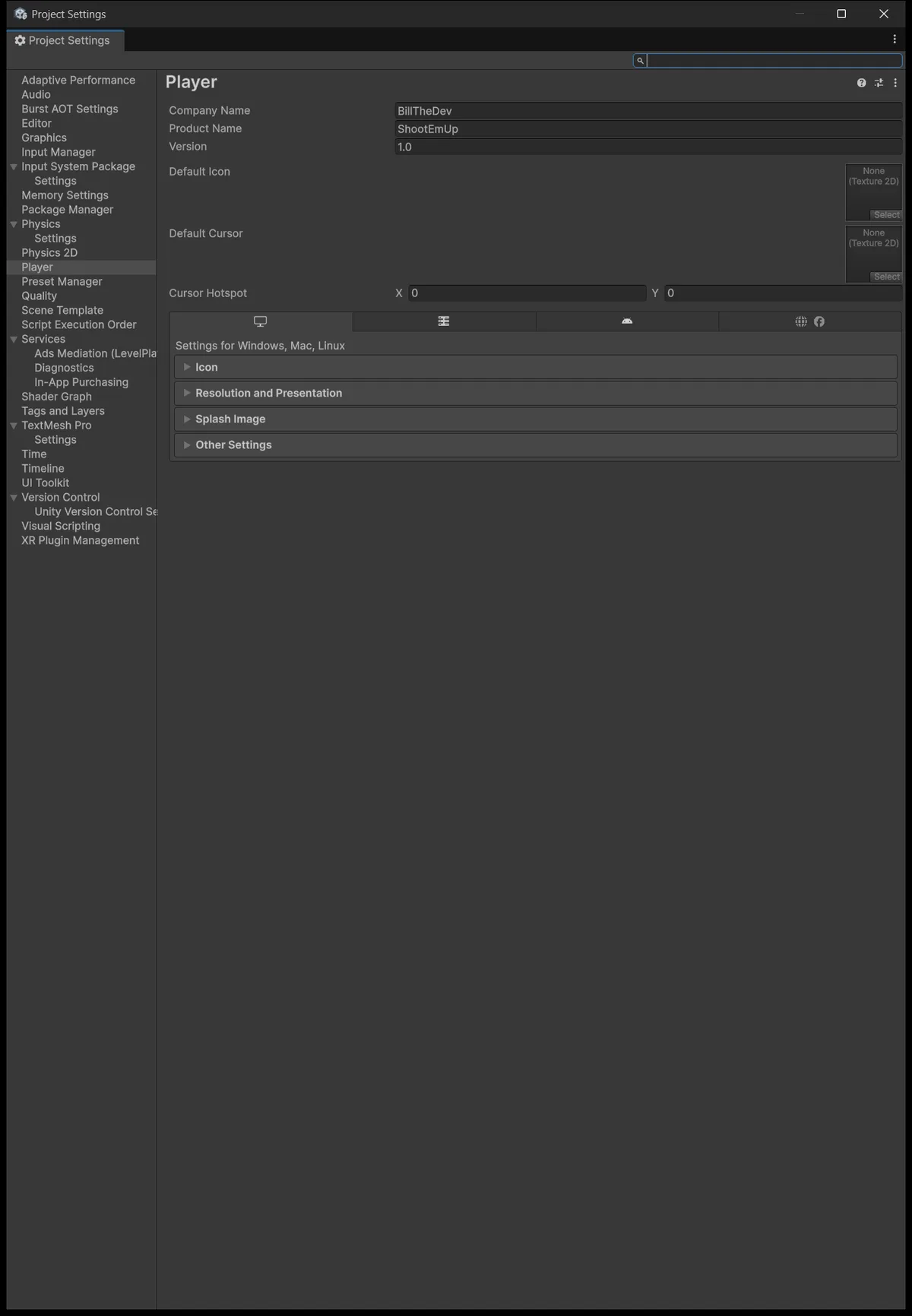
Unity Hub needs Web Build Support installed for this Editor. Open File → Build Profiles, choose Web, and Switch Platform. In the Scene List, enable only SEU_10_Juice and remove the learning scenes from earlier lessons.
That Scene List step is small and ruins the whole build when wrong, because Unity treats the first scene in the list as the entry point. Enable all twelve scenes instead and the build balloons, carrying every asset those older scenes reference. Note that Unity 6's Build Profiles window differs from the older Build Settings, so older tutorials point at a menu that no longer exists.
| Setting | Starting configuration | Purpose |
|---|---|---|
| Product Name | ShootEmUp | Product name |
| Default Canvas | 540 × 960 | 9:16 frame |
| Compression Format | Disabled for the first test build | One fewer server-dependent variable |
| Data Caching | On | Lets the browser cache data where supported |
| Managed Stripping | Leave at default | Get it correct first, optimise later |
| Exceptions | Keep error support | Readable runtime errors while diagnosing |
| Development Build | On while diagnosing, off while measuring | Keep the two purposes separate |
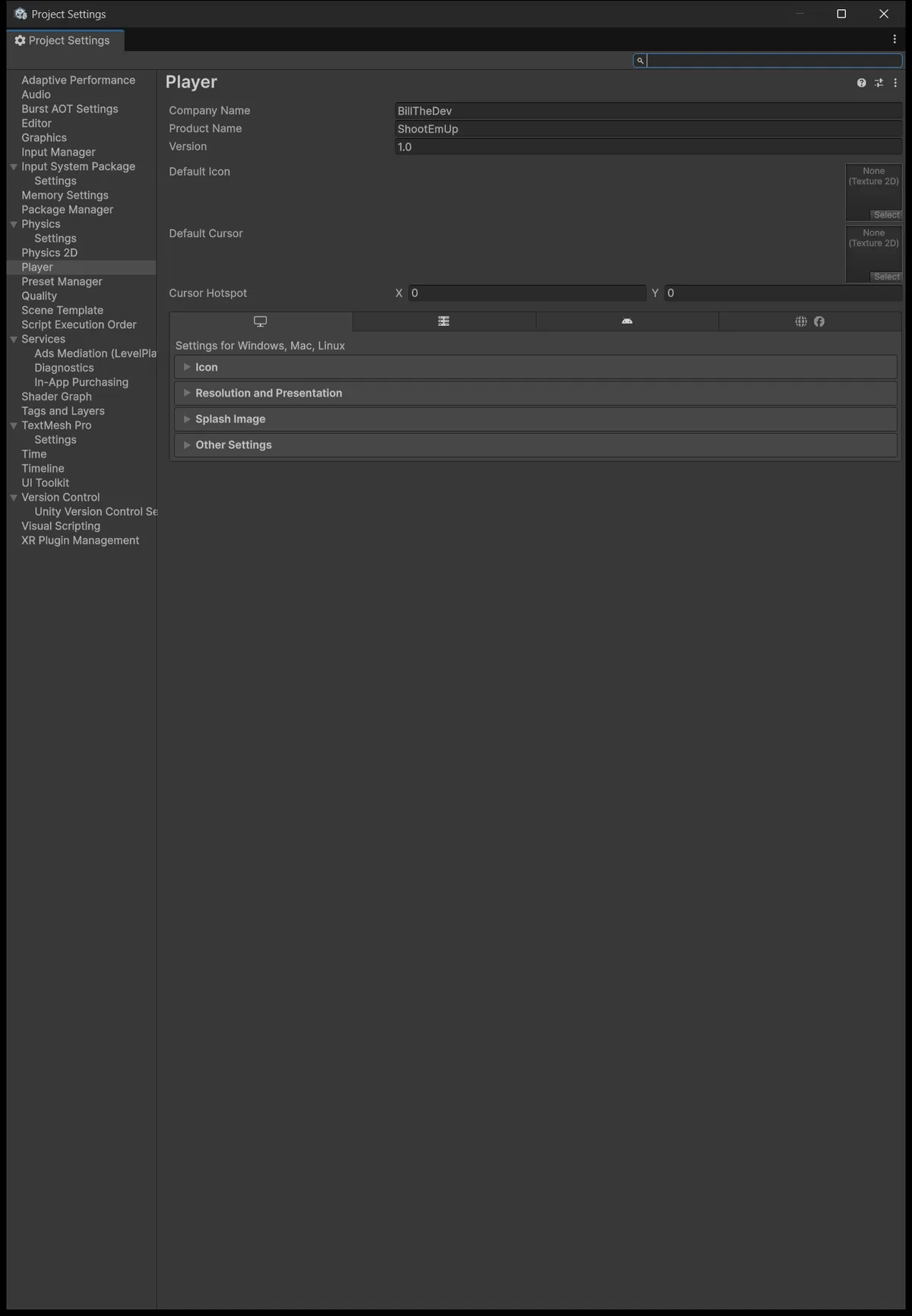
The Compression Format row deserves emphasis. Disabled for the first build is not because compression is bad, but because compression requires the server to send the right headers; combine two unverified things in one attempt and a failure tells you nothing about which one broke. Turn compression on once you have a build that works.
Build into Builds/WebGL/ShootEmUp, outside the Assets folder. Do not edit or move files while the build is running.
One note on Run In Background: it does not guarantee steady execution in a background tab, because browsers are allowed to throttle tabs that are not visible. Do not design gameplay assuming the game keeps running accurately once the player switches tabs.
Gate 3: serve over HTTP, never open the file directly
With Node.js installed, run this from the project folder:
npx serve Builds/WebGL/ShootEmUp
Open the local address the server prints. Opening index.html directly through file:// is not equivalent to hosting and usually fails to load WebAssembly, because browsers apply a very different security policy to that protocol.
Open DevTools and switch to the Network and Console tabs. The loader, framework, wasm, and data files all have to arrive with status 200 and the right content type. The trap here is that a misconfigured server can still return 200 along with an HTML error page instead of the real file, so read the Type column and the size rather than only the number 200.
Once the game reaches its first screen, click the canvas before testing the controls. Audio may stay silent until that first interaction because of the browser autoplay policy Unity documents — that is browser behavior, not a bug on your side.
Test both a fresh load and a reload. Fly into all four edges, collect a buff, reach Game Over, and Restart. A loading bar reaching 100% proves only that the files downloaded.
Gate 4: hosting and headers
Upload the whole build folder to whichever static host you use, preserving the relative folder structure. Test the index.html URL directly before embedding it in another page. Use HTTPS for anything you share.
When you enable gzip or Brotli for the release build, the server has to send matching headers — this is not just a matter of changing file extensions:
| Form | Content-Encoding | Content-Type |
|---|---|---|
| Uncompressed .wasm | No gzip/br header | application/wasm |
| .wasm.gz | gzip | application/wasm |
| .wasm.br | br | application/wasm |
If you cannot control your host's headers, use Decompression Fallback: Unity ships JavaScript-side decompression, at the cost of slower startup. Read Unity's Web deployment guide before configuring a specific host.
If you embed the game on one origin while loading the build from another, you also need to handle CORS. When you hit a 404, find the wrong path rather than enabling headers until the errors happen to stop.
Gate 5: measure before calling it optimised
| Measurement | How to record it |
|---|---|
| Output size | Total bytes of the files on disk |
| Data transferred | Network tab, cold cache, Transfer Size column |
| Time to play | From opening the URL to having control |
| Correctness | Replay the same scenario after every change |
The rule is to change exactly one thing at a time: stripping, or compression, or textures. Stronger stripping does reduce code size, but it forces you to re-test initialisation paths and anything using reflection.
Every number needs its conditions attached: which browser, which device, what network, warm or cold cache. A warm-cache load is considerably faster than a cold one, so a number on its own compares to nothing. And do not treat your own machine's build size as a required target for a different project, because most of the size is assets rather than code.
Case study: embedding into this site's Arcade
This site keeps a registry at public/webgl-games/registry.json. Each entry describes the Build folder URL, the buildName, the compression format, and the aspect ratio. The UnityPlayer component uses that entry to construct URLs for the loader, framework, wasm, and data. This is how this website integrates builds, not a required Unity step.
If you host the build on a CDN or R2, upload first, open each real URL to confirm it works, and only then update the registry with the actual filenames.
Checklist before sending the link
Somebody else opens the URL in a fresh window, understands the controls, and completes a full run. No missing files, audio works after the first interaction, the frame has the right aspect, restarting does not duplicate events, and the Console shows no gameplay errors. State the keyboard and gamepad requirement right next to the game.
You have now connected a complete chain: scene → input → bullets → pooling → collision → data → waves → runs → pickups → feedback → Web build. If you want to keep going, enemy fire, tracking drones, or a pause screen all make good exercises. Each one needs its own rules table and its own test pass, exactly the way these eleven stages worked.
Source for this stage
Download the lesson 11 scripts — code and assembly definitions only, no scenes, prefabs, or the pictured artwork. When upgrading from an earlier lesson, overwrite files at the same paths.